
What is MCP, and why does it matter?
Short answerMCP, the Model Context Protocol, is an open standard for connecting AI apps to tools and data. What it is, how it works and why it matters.
Written with AI assistance
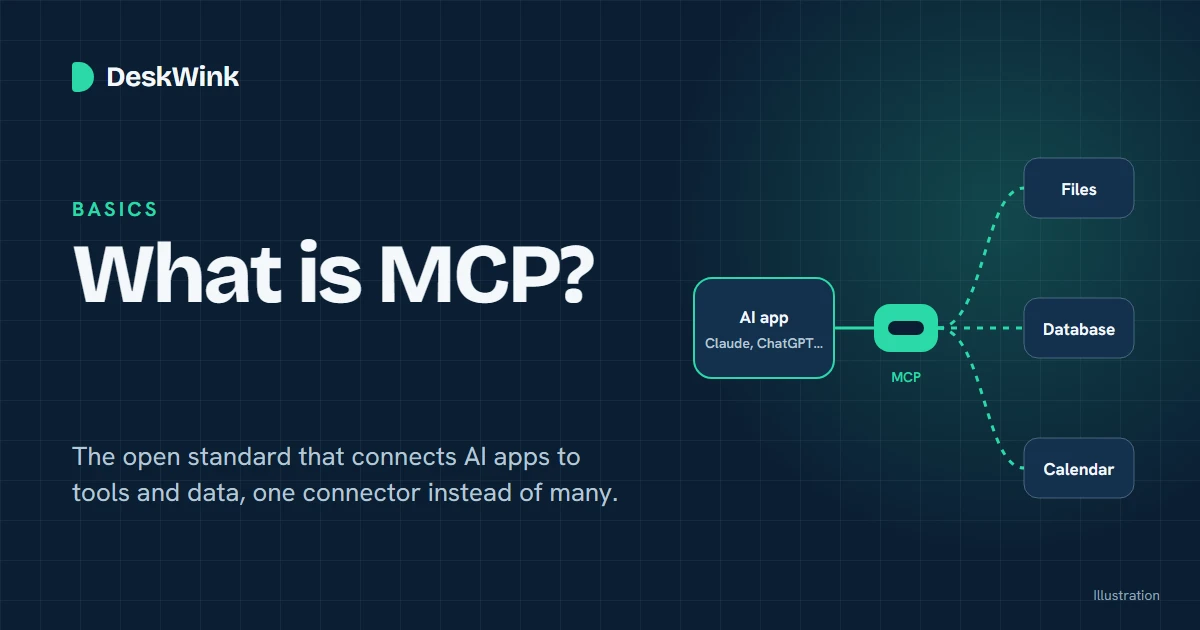
MCP, the Model Context Protocol, is an open standard that lets AI apps such as Claude and ChatGPT connect to outside tools and data in one agreed way. Instead of a custom integration for every app and every service, a service describes what it offers once, and any app that speaks MCP can use it.
What MCP is, in plain words
Anthropic introduced MCP on 25 November 2024 and describes it as "an open standard that enables developers to build secure, two-way connections between their data sources and AI-powered tools" (Anthropic's announcement). The official MCP site compares it to a USB-C port: one shape of connector, so you do not need a different cable for every device.
Before MCP, each AI app had its own way of plugging in tools. A team that wanted its calendar, its database and its file store available in three AI apps had to build nine integrations, each slightly different. With MCP, the service is built once as an MCP server, and each app adds MCP support once.
A concrete example: an MCP server for a database can offer a tool that runs a query, a resource that holds the database schema, and a prompt that shows the AI good example queries. Any AI app that supports MCP can discover those three things and use them.
How MCP works
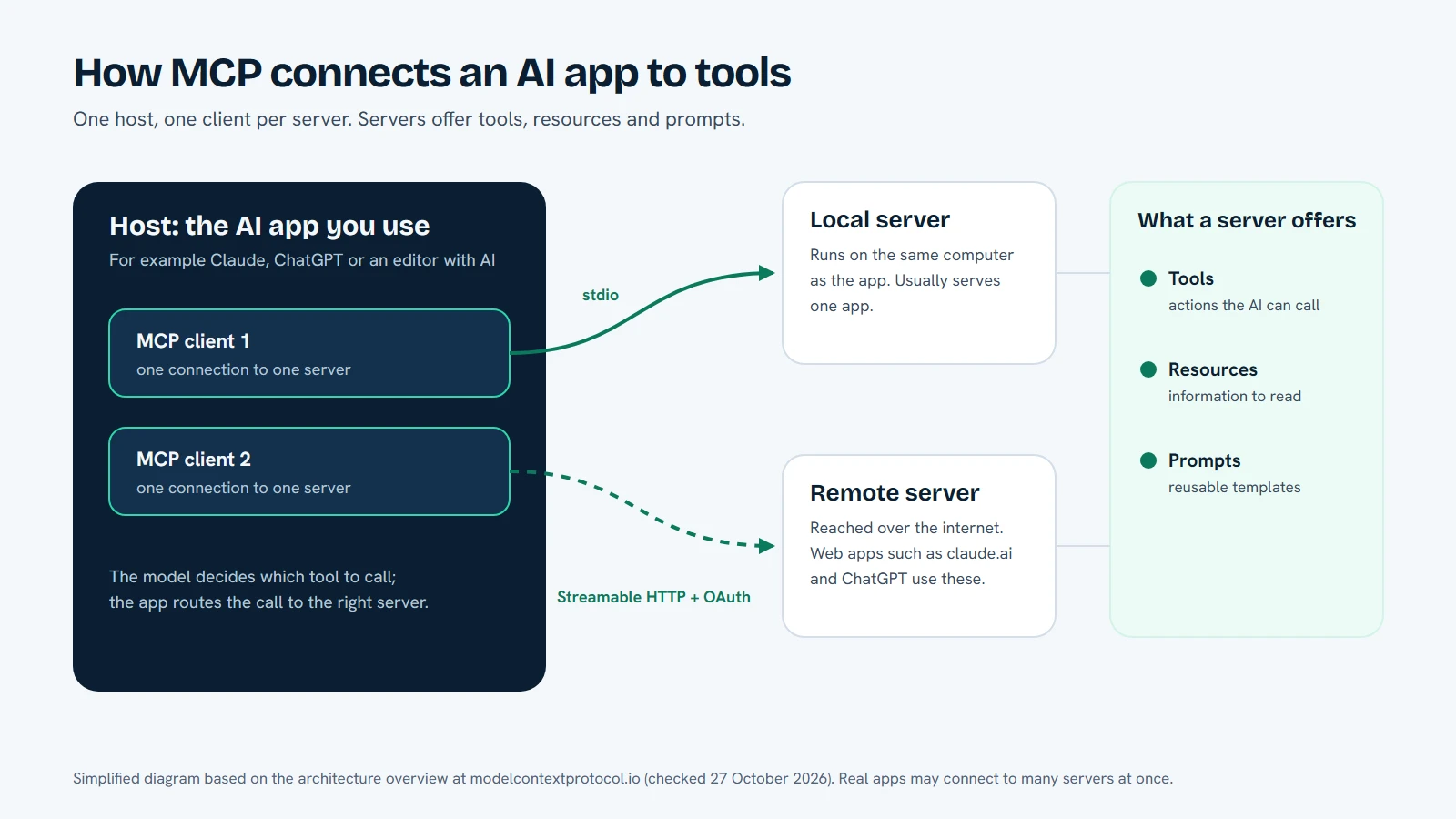
MCP has three participants, as the architecture overview explains:
| Part | What it is | Example |
|---|---|---|
| Host | The AI app you use | Claude Desktop, Claude Code, an editor with AI built in |
| Client | The connection the host opens to one server | One client per connected server |
| Server | The program that offers tools and data | A file server, a database server, a calendar server |
A server can offer three kinds of things:
- Tools: actions the AI can call, such as reading a file or running a query. The AI asks; the server does the work and returns the result.
- Resources: information the AI can read for context, such as a file's contents or a database record.
- Prompts: reusable templates that help the AI use the server well.
The AI app first asks the server what it offers, then calls tools as the conversation needs them. Messages use JSON-RPC 2.0, a simple request-and-response format.
Local and remote servers
MCP servers can run in two places, and the difference matters for you.
- A local server runs on the same computer as the AI app and talks to it over standard input and output. It typically serves one app.
- A remote server runs elsewhere and is reached over the internet using the Streamable HTTP transport. It can serve many apps, and the MCP documentation recommends OAuth for signing in, the same kind of "sign in and approve access" step you see when you connect apps to a Google or Microsoft account.
Web-based AI apps such as claude.ai and ChatGPT cannot start a program on your computer, so they connect to remote servers. That is why remote MCP is how browser-based assistants reach tools beyond the chat window.
Why MCP matters
For people who use AI apps, MCP means an assistant can work with your real tools and data instead of only what you paste into the chat. For people who build services, it means one integration instead of one per AI app. And because it is an open, published protocol, you can read how it works rather than trusting a private arrangement between two companies.
It also raises a fair question: if an AI can act on your tools, who decides what it may do? MCP defines how apps and servers talk; it does not decide what a server allows. That choice belongs to whoever runs the server, so the server's own permissions and approvals are what protect you.
Where DeskWink fits
DeskWink is a remote MCP server for your own computer, currently in beta. It lets the AI apps you already use work with files in folders you choose, and it asks for your approval before anything changes. A small command-line agent on your computer connects out to DeskWink, so you do not open ports on your network. The security model explains what DeskWink can and cannot see, and where its protections stop.
To see how an AI app connects to an MCP server like DeskWink, read how connecting works, or start from the DeskWink docs.
Facts about MCP were checked against the official MCP documentation and Anthropic's announcement on 27 October 2026. The protocol is still evolving, so details may change.
Frequently asked questions
Who created MCP?
Anthropic introduced the Model Context Protocol on 25 November 2024 as an open standard. It is published openly at modelcontextprotocol.io, and other AI apps and tools also support it.
Is MCP only for Claude?
No. The official MCP site lists support in ChatGPT, Visual Studio Code, Cursor and others. Support and menus differ between apps and change over time, so check each app's own documentation.
What is the difference between a local and a remote MCP server?
A local server runs on the same computer as the AI app and talks to it directly. A remote server runs elsewhere and is reached over the internet, which is how web-based assistants such as claude.ai and ChatGPT connect.
Does MCP make an AI app safe to use with my files?
Not by itself. MCP defines how apps and servers communicate; what a server allows is up to that server. Look for clear permissions, approval before changes, and a published security model.
Let the AI you already use work with your own files, with every change waiting for your approval.